Adobe Illustrator nesting script alternative

Finding a working nesting algorithm for Adobe Illustrator often involves downloading outdated .jsx scripts. The main issue with these legacy scripts is interface freezing. Standard ExtendScript environments cannot process complex geometry calculations efficiently.
Arrange Master operates differently. As a Professional Adobe Illustrator Plugin it offers several layout methods designed for different tasks. The Dense Packing (True-Shape Nesting) algorithm solves complex mathematical tasks in the background without locking the Illustrator interface. The plugin's architecture allows designers to work quickly and efficiently.
Below are three practical layout tasks and how this approach resolves them.
Task 1: Pin Board Arrangement
Situation: You have a vector contour of a pin board and 80–90 different pin or badge designs. You need to distribute these objects evenly across the board area, prevent overlapping, and maintain consistent spacing between elements.
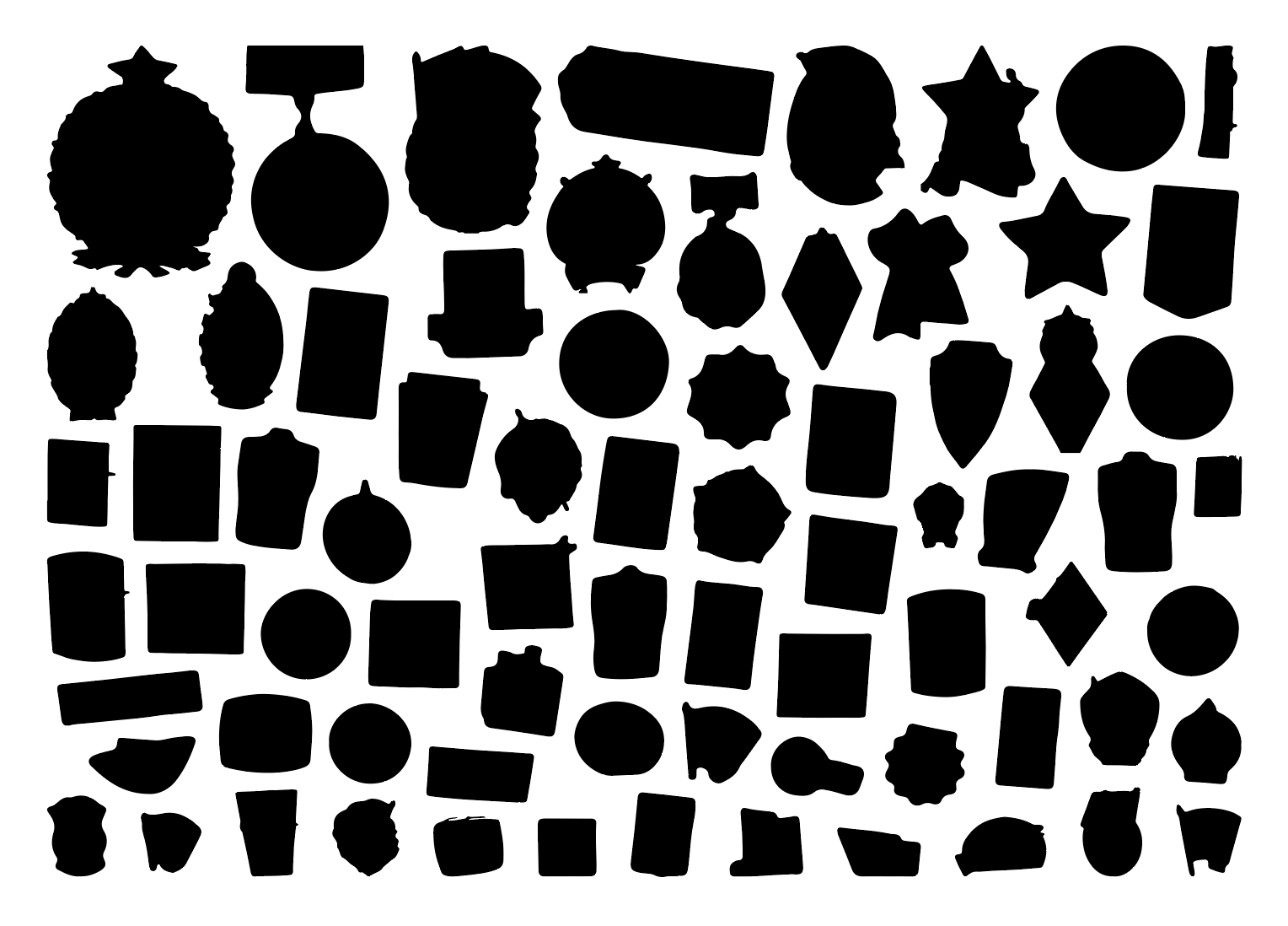
Solution: The Greedy Layout mode handles rectangular containers. You select the board contour and the badges, then set the required gap (Min. Spacing). By enabling Dense Packing for True-Shape Nesting, the Arrange Master calculates the optimal placement. The objects fill the rectangular area organically without overlapping, maintaining the exact specified margins. You can read how to create a vector outline for your raster images here.

Manual Workflow: 20–30 minutes of adjusting positions and rotating objects.
Arrange Master: 5 seconds.
Economics: A freelance designer charges $15-25 for this routine task. The Standard License for Arrange Master costs $39. The plugin pays for itself by the second use.
Task 2: Sticker-Pack and Prepress Separation
Situation: You need to pack various sticker designs tightly onto a print sheet to minimize material waste. After packing, the layout requires separation into a print layer (for spot colors) and a cut layer (for the plotter).

Solution: This task requires a True-Shape Nesting algorithm. Legacy scripts evaluate objects as rectangular bounding boxes, which leaves empty spaces. Arrange Master performs exact Vector Path Analysis to evaluate the actual contours. Irregular sticker shapes interlock tightly, resulting in strict Material Optimization.
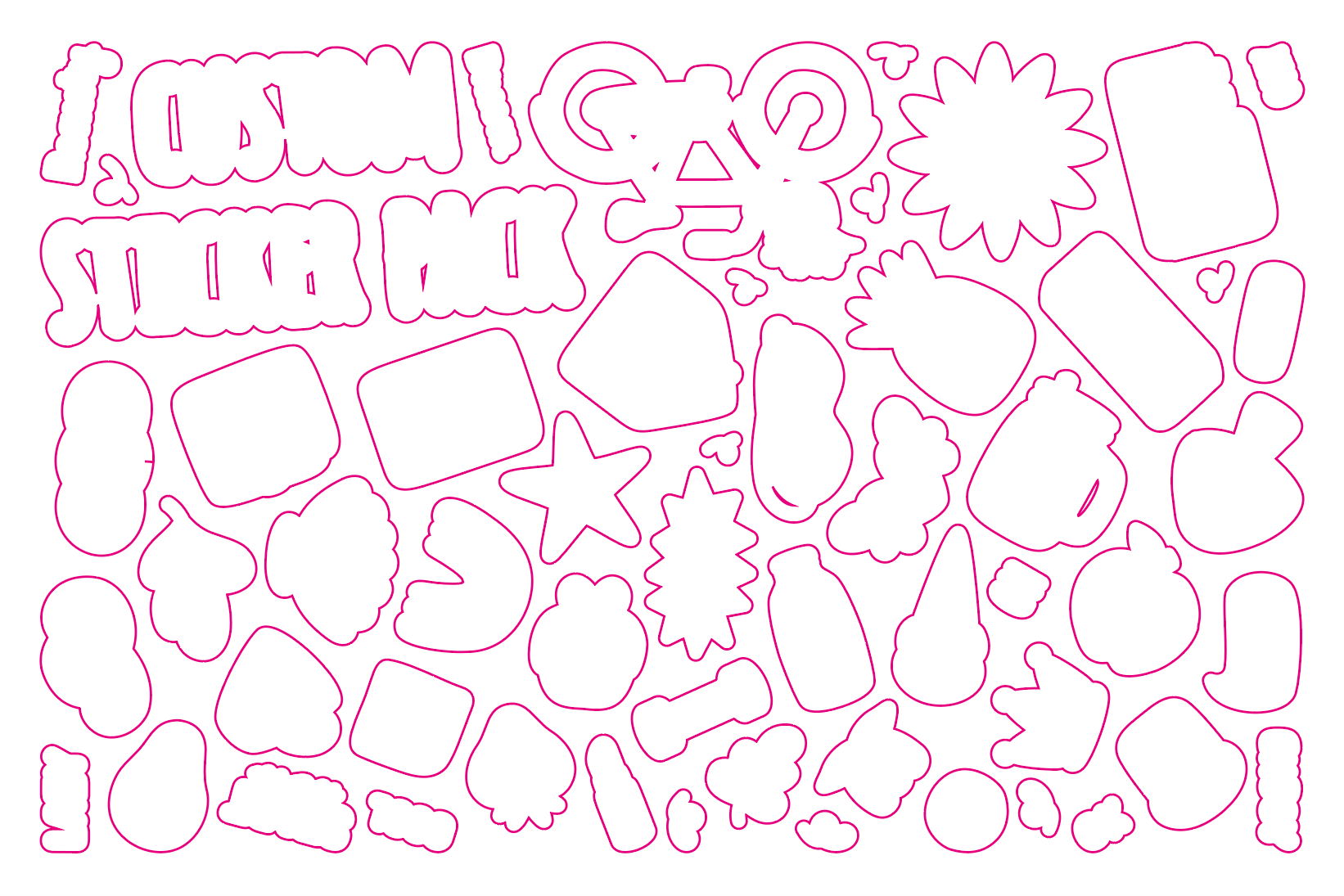
Following the layout process, the included Prepress Splitter script separates the layers. It automatically moves clipping masks to a dedicated CUT layer for CNC/Laser Cutting Preparation, leaving the artwork isolated on the PRINT layer.
Arrange Master supports arranging complex multi-layer designs (such as files divided into CUT, PRINT, MARKS, etc.) without flattening your layer hierarchy.
Manual Workflow: Approximately 1 hour for tight manual packing and layer sorting.
Arrange Master: 1–2 minutes for the nesting calculation and script execution.
Economics: Print shops typically charge $30-50 per hour for prepress setup. The $39 Standard License covers its cost on the very first sticker pack order.
Task 3: Filling a Sheet with Business Cards
Situation: You have one finalized business card (or tag) design. You must duplicate this object to fill an entire A3 sheet format while keeping precise cut margins between the copies.
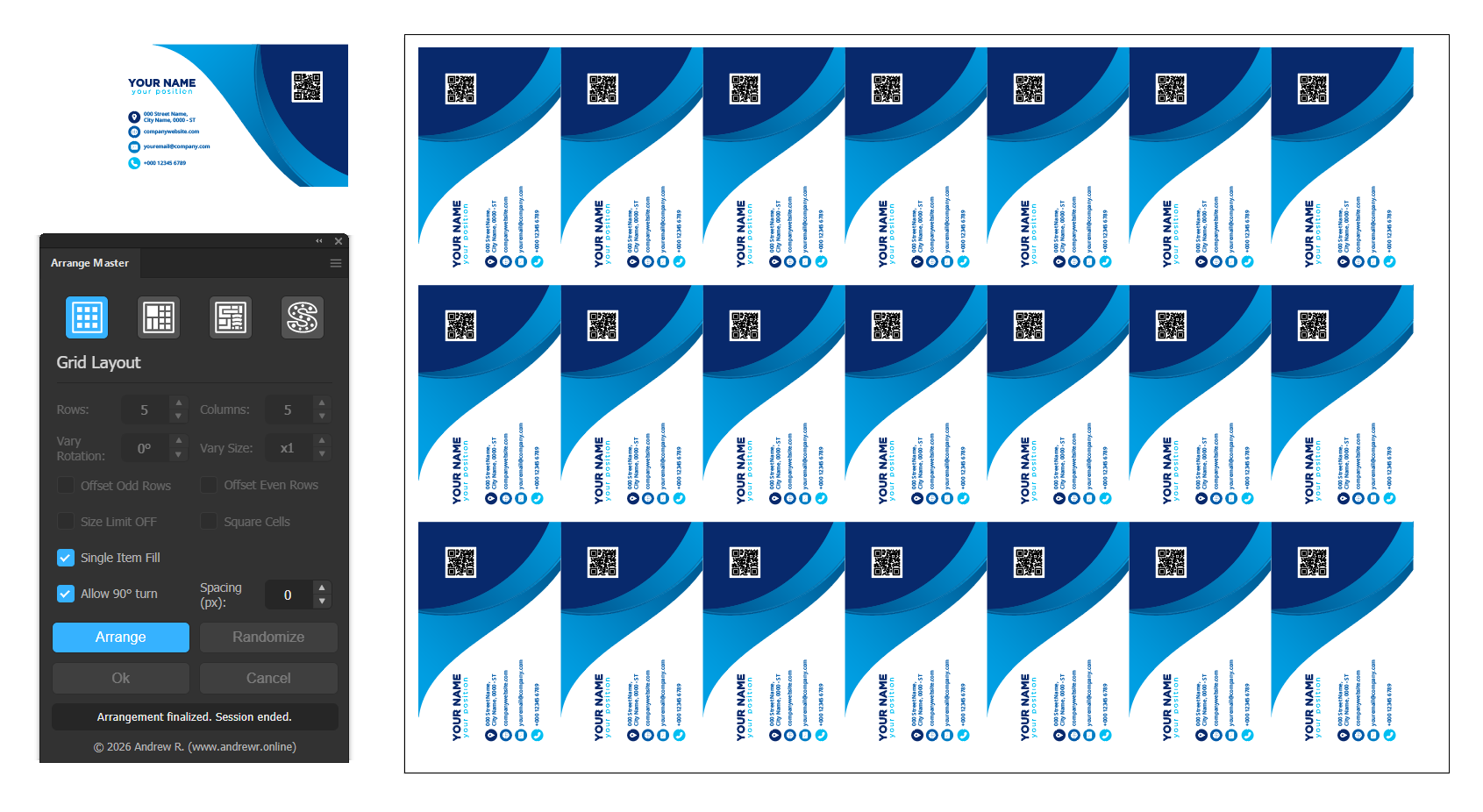
Solution: The Grid Layout tab includes a Single Item Fill mode. You select the print sheet boundary and the single business card design. After inputting the cut margin (Min. Spacing), the plugin calculates the maximum container capacity. It then duplicates the initial object and constructs an exact mathematical grid.
Manual Workflow: 5–10 minutes using copy-paste, the Align panel, and bleed margin verification.
Arrange Master: 2 seconds.
Economics: Outsourcing this repetitive layout task costs $10-15 per sheet. For a designer handling regular print orders, a $39 plugin saves hours of technical work weekly. The investment yields a positive return within the first month.