Vector Gravity and Genetic Packing: Inside Arrange Master 1.4
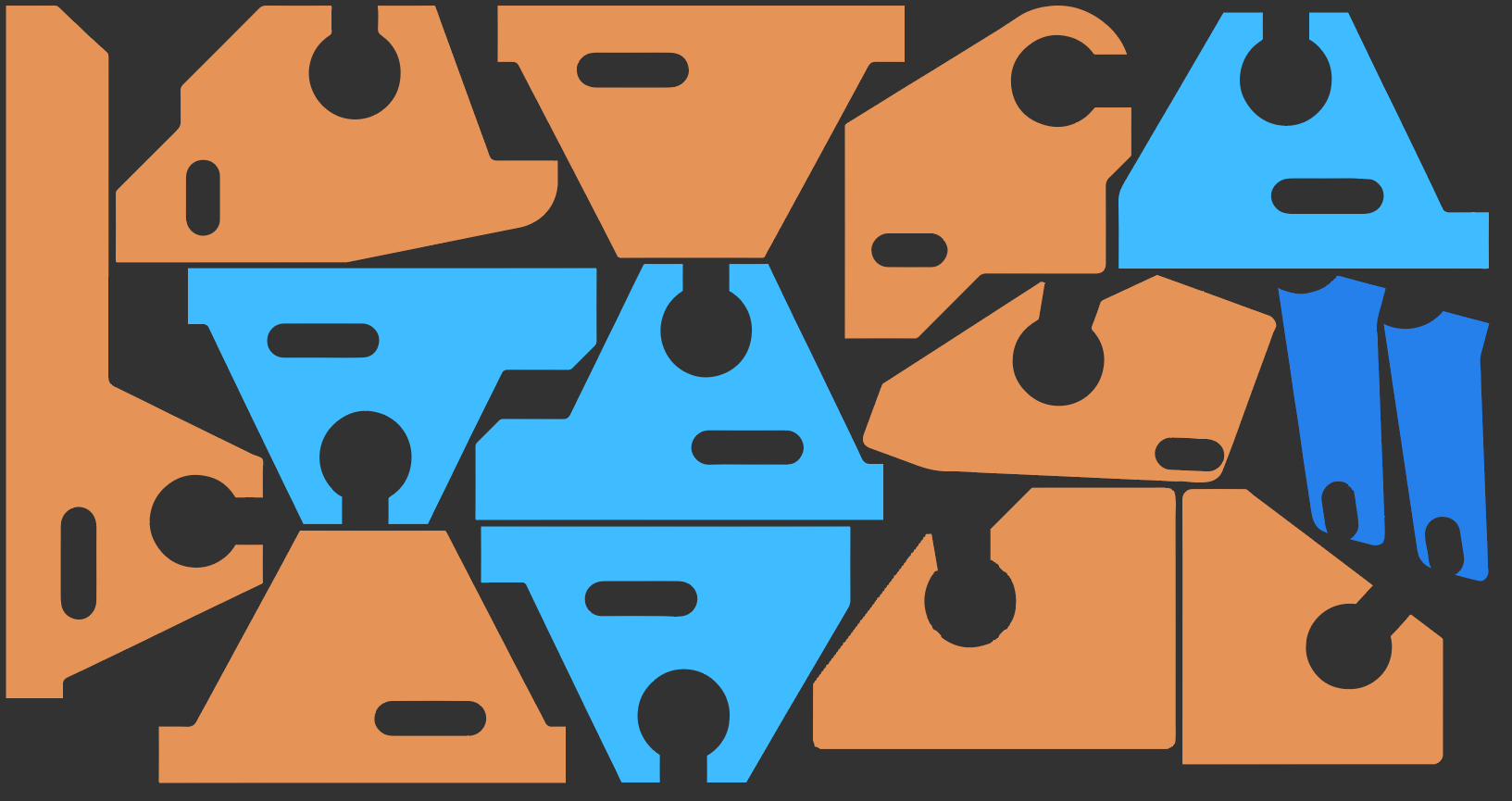
When I started working on Arrange Master, I chose the CEP (Common Extensibility Platform) architecture. It was the most accessible framework for my competence level at the time, utilizing ExtendScript, JavaScript, HTML, and CSS. The setup seemed straightforward. However, this choice hid numerous technical traps and limitations, requiring workarounds at every step.
The primary bottleneck is ExtendScript. Developed around the ECMAScript 3 standard (1999), the Illustrator ExtendScript engine operates synchronously on a single thread. It lacks modern data structures and executes complex math extremely slowly. Getting the Dense Packing algorithm to yield acceptable true-shape nesting results on such outdated technology was an achievement in itself. But technical achievements matter little to users who had to wait dozens of minutes to pack 300-500 vector objects.
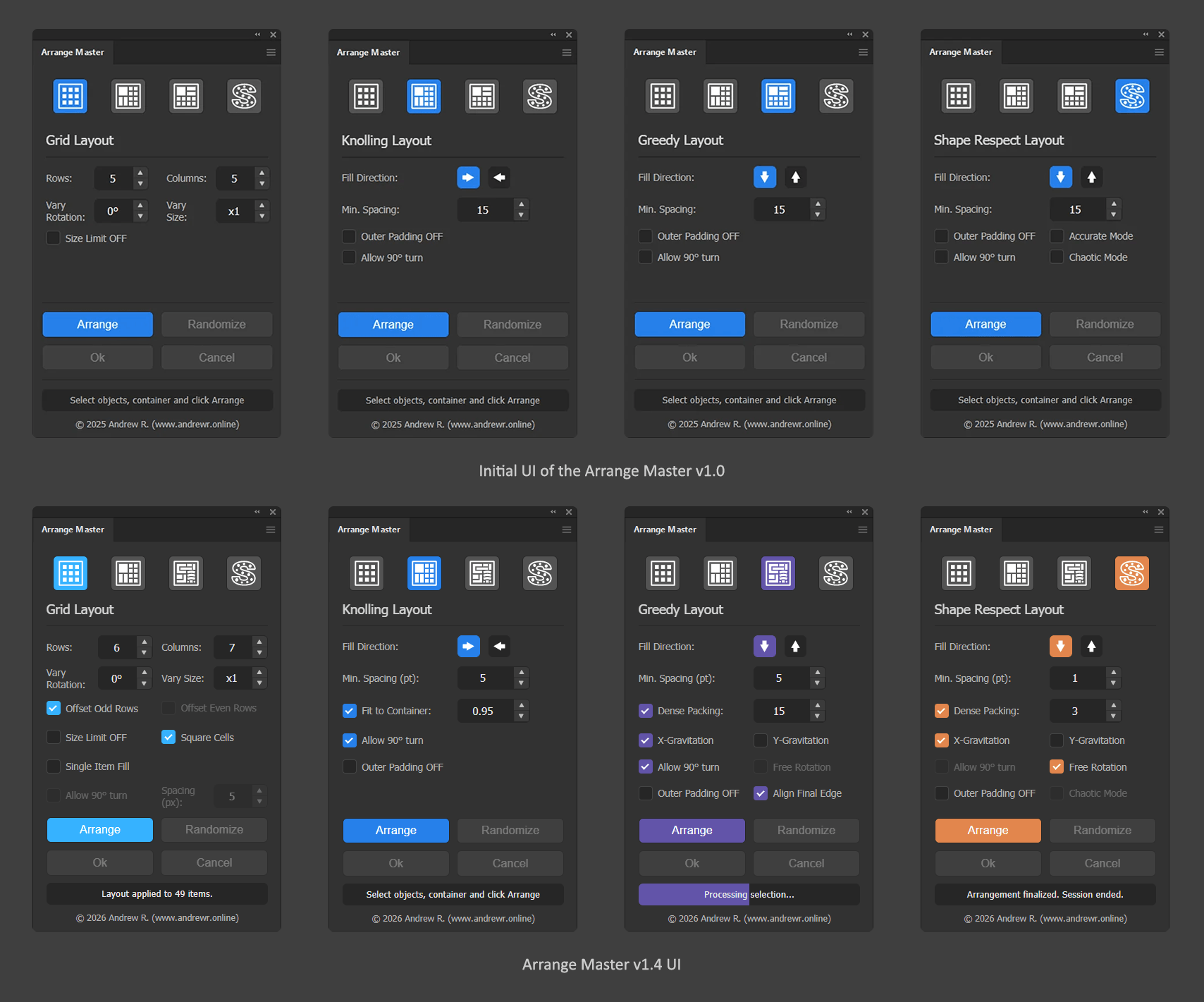
This constraint led to an unconventional solution. ZXP plugins use an embedded Chromium browser to render the UI. I decided to move the heavy True-Shape nesting calculations out of ExtendScript into the frontend. While executing core geometry math inside a UI browser process sounds absurd, but it worked. Transferring path coordinates to Chromium’s V8 engine increased packing speed by orders of magnitude.
This architectural shift defined version 1.3 and established the foundation for the complex capabilities introduced in Arrange Master 1.4.
Below is a detailed breakdown of the new features and backend optimizations in this release.
Core Algorithmic Updates
The new background engine allowed me to implement significantly smarter packing logic, helping you save expensive materials like vinyl and wood.

Genetic Algorithm (Evolution Stepper)
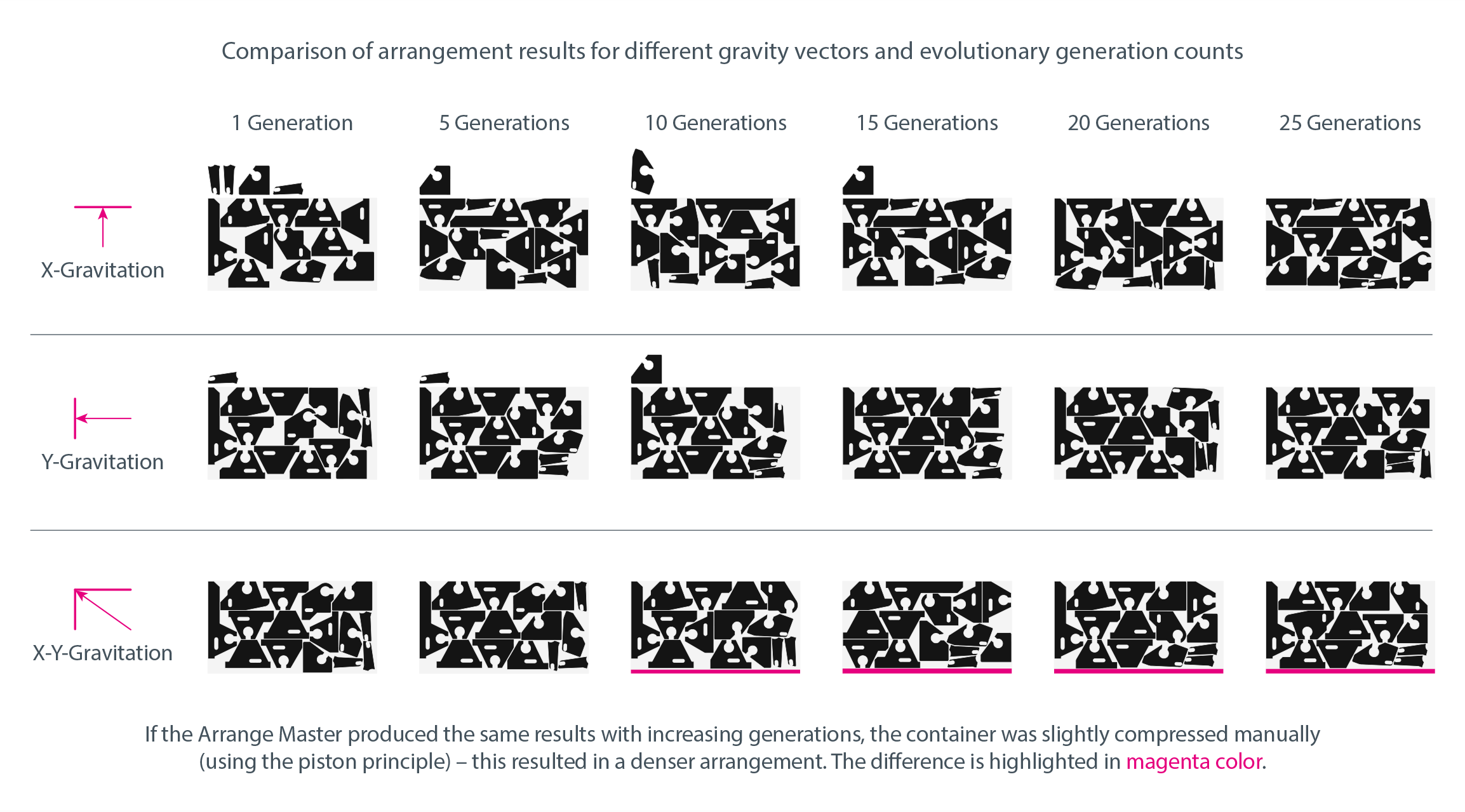
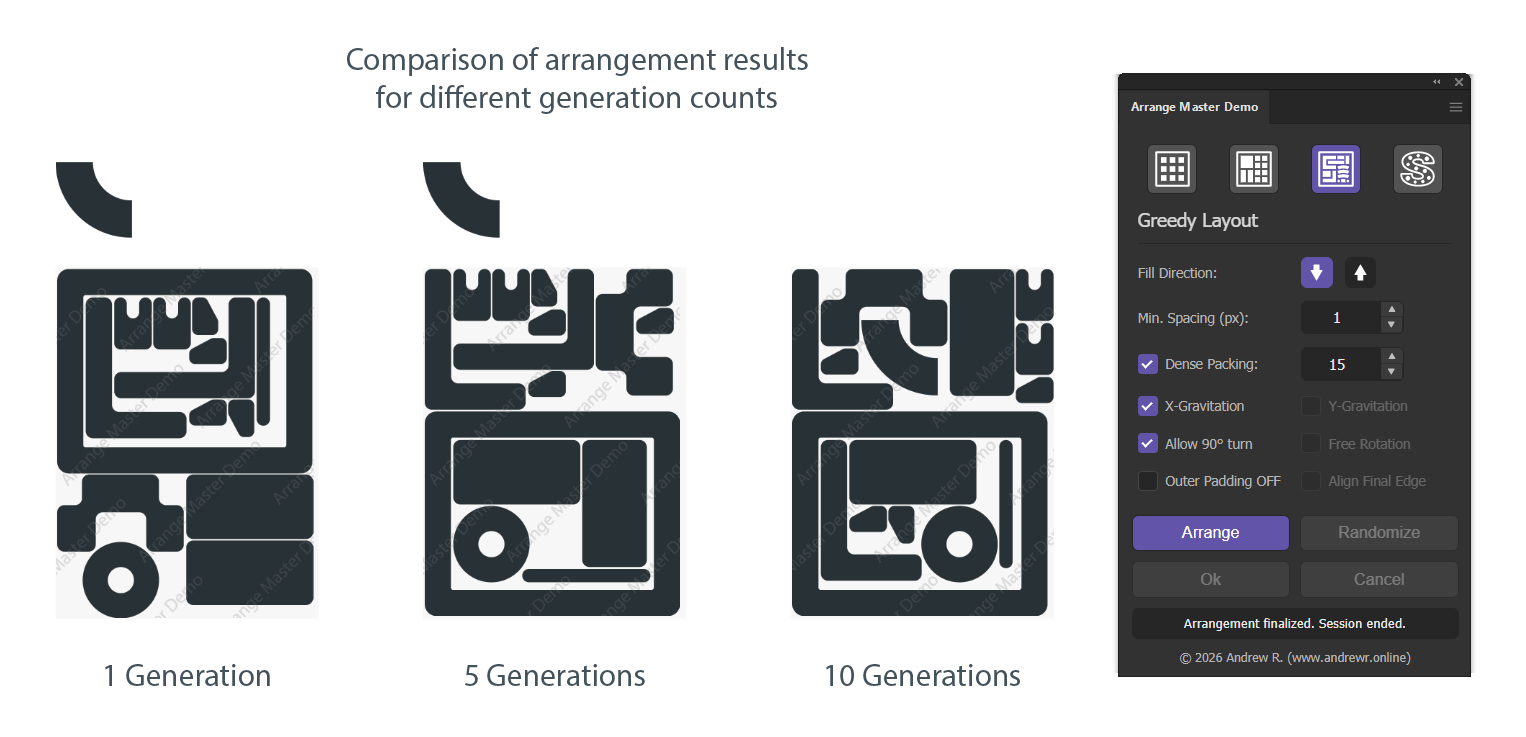
The vague 'Analysis Precision' setting has been replaced with a sequence mutation algorithm. Arrange Master 1.4 now acts like a puzzle-solving AI. You can specify the number of packing generations (up to 50), and the plugin will calculate dozens of layout variations in the background.
The engine evaluates dozens of variations and automatically selects the layout that wastes the least amount of space.
A new dimension rule ensures the final block of objects is packed as flat and compactly as possible, saving you expensive vinyl or wood.
Vector Gravity Controls (X/Y Axes)
Users now have manual control over the gravity-attraction axes during the packing process:
X-Gravitation: Forces objects to pack vertically (Top-Down or Bottom-Up). Fits for standard rectangular sheet printing.
Y-Gravitation: Forces horizontal packing (Left-to-Right). Allows you to pack objects tightly along the width of the roll to save linear media.
Dual Gravity: Activating both axes causes items to attract diagonally at a 45-degree angle. Double gravity results in the tightest possible nesting. The diagonal edge of objects can be squared off by narrowing the container boundaries.
Performance and Stability
Version 1.4 addresses the most critical stability issues faced by prepress operators handling massive daily volumes.
Asynchronous Execution and Instant Cancellation
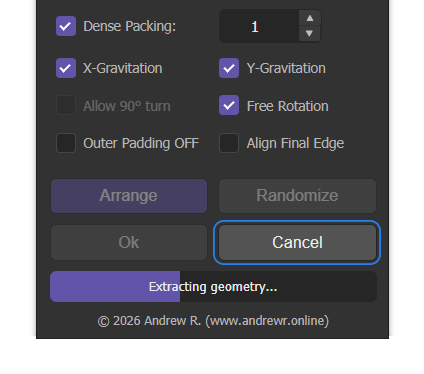
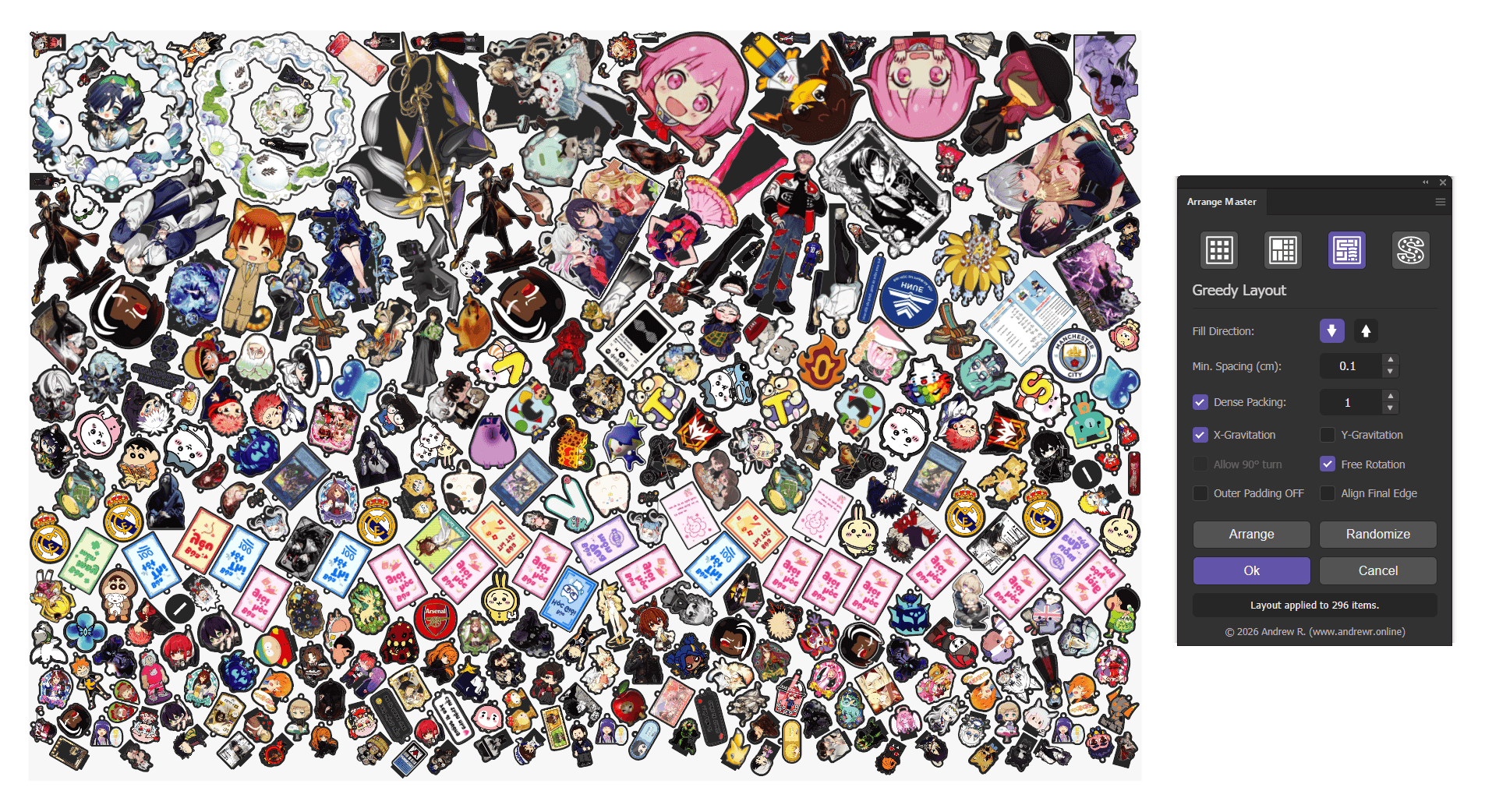
Because the heavy math now runs in the background, the Illustrator UI no longer freezes during nesting. A live progress bar tracks the calculations. If you accidentally select 5,000 complex vectors or input too many generations in the Evolution Stepper, you can simply click the Cancel button to instantly abort the process. No more force-quitting Adobe Illustrator.
Large Format Optimization
Previously, trying to nest massive architectural prints or 5-meter car-wraps could cause Out-Of-Memory (OOM) errors in Illustrator. Arrange Master 1.4 utilizes dynamic scaling algorithms, allowing it to effortlessly process gigantic canvas sizes without losing coordinate precision or crashing your system.
Handling of Heavy Files
The plugin now manages massive selections smoothly. Even if your document contains thousands of locked or hidden background objects and layers, clicking Ok or Cancel happens instantly, without interface lag.
Quality of Life (QoL) Improvements
Square Cells Mode: New feature for the Grid Layout mode. A new checkbox forces perfect square cells and mathematically centers the entire generated grid within your container, guaranteeing even margins on all sides.
Document Unit Sync: The panel now automatically reads and displays your active document units of measurement (mm, cm, pt).
Decimal Spacing: You can now enter precise decimal values (e.g., 0.1 or 0.05) for minimum spacing. Entering 0 is restricted to prevent cut-lines from accidentally merging, automatically defaulting to a safe 0.5 distance (except in Single Item Fill mode).
New Interactive Demo Version
The free demo is no longer a basic JSX-script - it is now a fully integrated CEP-panel with its own independent ID and cache, so it will not conflict with the full version of Arrange Master.
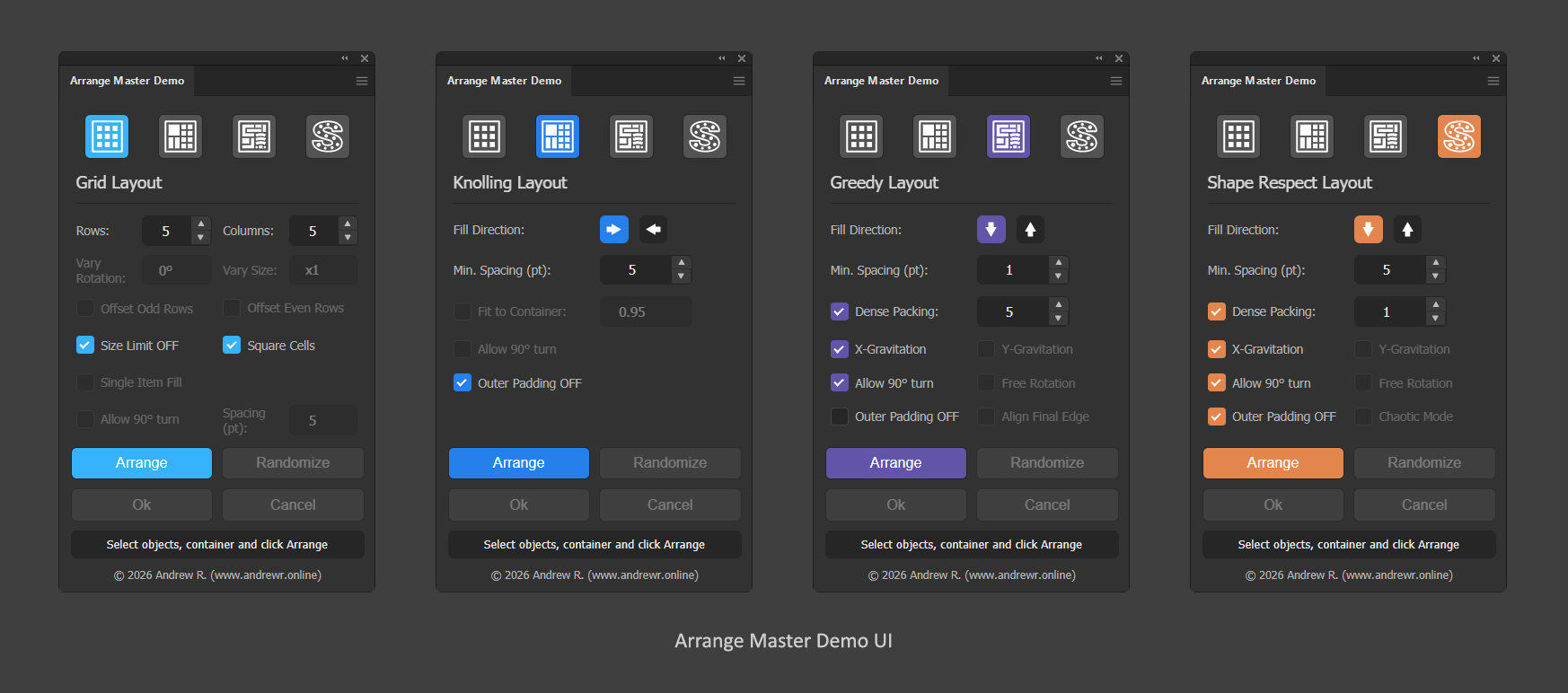
The demo now includes the True-Shape Nesting engine (capped at X-Gravitation and 15 generations in Evolution Stepper).
Designers can test exactly how the algorithm handles their specific files, including complex clipping masks and multi-layer vector structures, before purchasing.
Note: The vector output for Dense Packing is disabled in the demo (results are instantly rasterized with a watermark to protect the algorithm), but it demonstrates the packing density and speed. You can test the Multi-Layer Retention feature in Knolling Layout.
Seamless Cloud Engine and Licensing
To secure the intellectual property and ensure seamless updates, the core Dense Packing algorithm is now fetched securely from a cloud server.
While Arrange Master 1.4 requires an active internet connection for True-Shape nesting, this architecture ensures that all future mathematical improvements and bug fixes are delivered instantly "over the air," without requiring you to download and reinstall the extension.
The licensing model has also been expanded to support businesses of all sizes:
- Standard License: For independent designers and freelancers (up to 2 devices).
- Commercial (Team) License: Designed for small print shops and studios (up to 7 devices).
- Extended Commercial License: Covers large production floors, CNC manufacturing, and commercial resale of stock assets (up to 20 devices).